

Real-Time Voice
Powered by AI
Let visitors have real-time voice & text conversations grounded in your website's own content. Capture leads, book Google Calendar meetings, and get deep analytics — all without leaving your site.
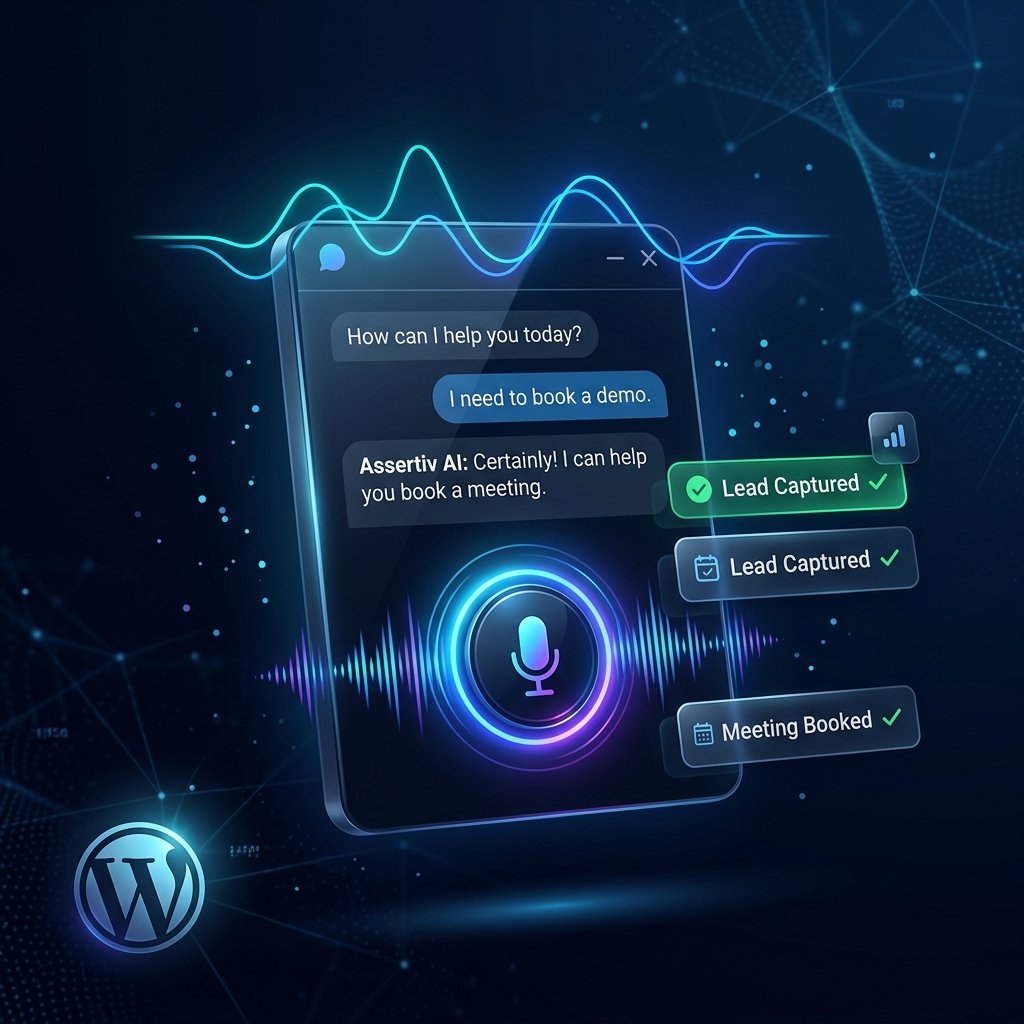
Built for Modern AI Automation
A complete conversational stack connecting site knowledge, CRM leads, and calendar appointments under one agentic framework.
Ground your assistant with automated indexing for posts, pages, custom taxonomies, and WooCommerce catalogs. Eliminates hallucinations by matching queries with vector embeddings.
One-click text-to-speech powered by ElevenLabs or OpenAI TTS engines with custom speaking speeds and pitch controls.
Captures contact detail mid-conversation, scores intent from 0-100, and categorizes leads into Kanban stages.
Real-time calendar synchronization lets visitors check availability, lock timeslots, or reschedule consultations directly inside the voice conversation.
See the Voice Agent in Action
Experience how the assistant interacts with visitors, answers content questions, qualifies leads, and schedules calendar events autonomously.

Advanced Voice & Chat Widget
FREE- Start speaking with one button using OpenAI TTS or ElevenLabs engines
- Seamless fallback to standard text-based chats when needed
- Configurable voice parameters including pitch, model, and speaking speed
- Pre-audition voices instantly inside the administration area
- 6 display alignment options for floating desktop and mobile triggers
- Hex color picker to dynamically skin buttons, icons, and highlights
- Auto-open trigger to prompt visits upon specified loading delay
- Adjustable maximum response tokens and daily usage session limits
AI Knowledge Base (RAG)
PRO- Embeds index from posts, custom taxonomies, and WooCommerce catalogs
- Chunking tuning tools: edit target length and character overlaps
- Filter list to completely exclude certain post IDs and URL extensions
- Background task processor using WP-Cron queueing prevents timeouts
- Automatic website content scraper indices external references
- Cosine similarity semantic matching evaluates queries instead of keywords
- Manual trigger forces full document re-indexing on demand
- Knowledge Gaps log flags user queries that couldn't be answered
Lead Qualification & CRM Pipeline
PRO- Dynamically extracts names, phone numbers, budgets, and timelines from conversations
- Runs scoring heuristics classifying leads from 0 to 100 based on completeness
- Auto-segments prospects into Cold, Warm, Hot, and Qualified tiers
- Dispatches email notifications immediately to sales contacts
- Drag-and-drop Kanban view of lead stages inside admin dashboard
- Full chat conversation scripts accessible by clicking lead rows
- Export captured lead files to CSV for integration with external CRMs
- Manual re-scoring recalculates prospect weights instantly
Google Calendar Booking
PRO- Guides users in chat to coordinate available dates and free timeslots
- Queries Google Calendar in real-time to avoid duplicate bookings
- Configures custom timezone properties and business hours profiles
- Auto-applies standard slot lengths for scheduled sessions
- Reschedule and cancel actions synced between database and calendar
- Secure OAuth integrations manage account connectivity smoothly
- Standalone calendar tab shows list of scheduled and previous meetings
Autonomous Agentic Tools
COREThe assistant executes conversational workflows by triggering individual backend tools based on visitor statements:
| Tool Name | Operation Details |
|---|---|
| SearchWebsiteTool | Performs vector search matching relevant knowledge base articles to resolve content questions. |
| CreateLeadTool | Saves user contacts and interests as a CRM lead record. |
| QualifyLeadTool | Collects budget, timelines, and interests to score prospect intent. |
| UpdateLeadTool | Modifies existing CRM lead properties mid-dialog. |
| GetCalendarAvailabilityTool | Queries free timeslots within business hours for booking options. |
| BookMeetingTool | Confirms the chosen slot and locks the meeting on Google Calendar. |
| RescheduleMeetingTool | Updates calendar events when users request time changes. |
| CancelMeetingTool | Removes meetings from calendar assets and local logs. |
Extensible REST APIs
COREAutomate features using versioned REST endpoints configured at /wp-json/assertiv-ai/v1/:
- GET /agent/{id}/public-config Public widget details
- POST /conversation/start Open chat session
- POST /conversation/message Submit queries
- POST /conversation/end Close chat logs
- POST /leads/submit Route submissions
- POST /voice/synthesize Audio synthesis
- GET POST /agents List/create agents
- GET PUT DEL /agents/{id} Manage agent
- POST /knowledge/index-now Vector updates
- GET /analytics Report metrics
- GET DEL /conversations Transcript logs
- GET PUT DEL /leads Manage leads
- GET POST /meetings Audit calendar slots
Integrating the Agent
Embed custom assistants using simple shortcodes or raw PHP template commands.
Shortcode Implementation
Embed the voice assistant anywhere inside your post contents. Override settings like custom primary colors or position attributes:
PHP Hook Integration
Hook the assistant widget globally inside your footer files or custom theme layouts:
Upgrade to Premium Voice Power
Unlock the AI Knowledge Base, Lead Capture pipeline, Google Calendar Booking, and detailed analytics with PRO.
- Unlimited Assistants Creation
- AI Knowledge Base RAG Indexing
- Natural Language Meeting Booking
- Dynamic Lead Qualification & Pipelines
- Analytics & Knowledge Gaps Tracking
- Premium ElevenLabs TTS Support
- Priority Updates & Support
Frequently Asked Questions
Find answers to common questions about the Assertiv AI Voice Agent.
No. The agent's system prompt instructs it to answer only from retrieved knowledge-base chunks. If no relevant content is found, it will say so rather than fabricate an answer.
Yes. You can select ElevenLabs as your default text-to-speech provider within the Voice Settings and configure it with your integration key.
The floating widget loads asynchronously and does not block page rendering. AI calls happen only when a visitor actively interacts with the agent, preserving site loading performance.
Conversations and lead data are stored in your own WordPress database. You control retention periods and can anonymise visitor identifiers. Voice recordings are not stored by default.
Yes. WooCommerce products and product categories can be indexed into the knowledge base so the agent can answer product-related questions.
Yes. You can use the agent_id attribute on the shortcode or pass it to the PHP hook to render specific assistant configurations on designated pages.
By default, all data is preserved when you deactivate or delete the plugin so you can reactivate seamlessly. If you prefer to permanently purge all data tables, you can enable the "Delete all data on uninstall" switch in the Advanced Settings before deletion.
Plugin Changelog
Review version history and new feature rollouts.
- Added Google Calendar OAuth integration for real-time availability and meeting booking.
- Added eight agentic tools (SearchWebsite, CreateLead, QualifyLead, UpdateLead, GetCalendarAvailability, BookMeeting, RescheduleMeeting, CancelMeeting).
- Added Knowledge Gaps detection and resolution workflow.
- Added ElevenLabs TTS provider support.
- Added in-admin voice preview endpoint.
- Added lead CSV export, pipeline stage management, and manual lead re-scoring.
- Improved conversation orchestration with multi-tool calling support.
- Added per-session and global usage limits.
- Added configurable data retention and visitor anonymisation.
- Core voice/text widget with OpenAI Chat Completions.
- Basic knowledge base indexing for pages and posts.
- Admin dashboard with conversations view.
- Settings panel for integrations, widget appearance, and privacy.